%20{%20.logo-h%20{%20fill:%20transparent;%20/*%20No%20fill,%20just%20the%20outline%20*/%20stroke:%20%23222222;%20/*%20Dark%20stroke%20for%20visibility%20*/%20stroke-width:%2010px;%20/*%20Slightly%20thicker%20stroke%20for%20better%20visibility%20*/%20}%20}%20/*%20For%20dark%20mode%20only%20*/%20@media%20(prefers-color-scheme:%20dark)%20{%20.logo-h%20{%20fill:%20%23ffffff;%20stroke:%20rgba(255,%20255,%20255,%200);%20/*%20Transparent%20stroke%20for%20dark%20mode%20*/%20}%20}%20%3c/style%3e%3cpath%20class='logo-h'%20d='M128,96%20v320%20h64%20v-128%20h128%20v128%20h64%20v-320%20h-64%20v128%20h-128%20v-128%20z'/%3e%3c!--%20Red%20to%20cyan%20gradient%20line%20with%20upward%20Texas%20Longhorn-style%20curve%20--%3e%3clinearGradient%20id='gradient'%20x1='0%25'%20y1='0%25'%20x2='100%25'%20y2='0%25'%3e%3cstop%20offset='0%25'%20style='stop-color:%23ef4444;stop-opacity:1'%20/%3e%3cstop%20offset='100%25'%20style='stop-color:%2306b6d4;stop-opacity:1'%20/%3e%3c/linearGradient%3e%3c!--%20Texas%20Longhorn%20style%20curved%20path%20pointing%20upward%20--%3e%3cpath%20d='M96,448%20C120,470%20170,455%20256,440%20C342,455%20392,470%20416,448%20L416,432%20C392,450%20342,435%20256,420%20C170,435%20120,450%2096,432%20Z'%20fill='url(%23gradient)'/%3e%3c/svg%3e)
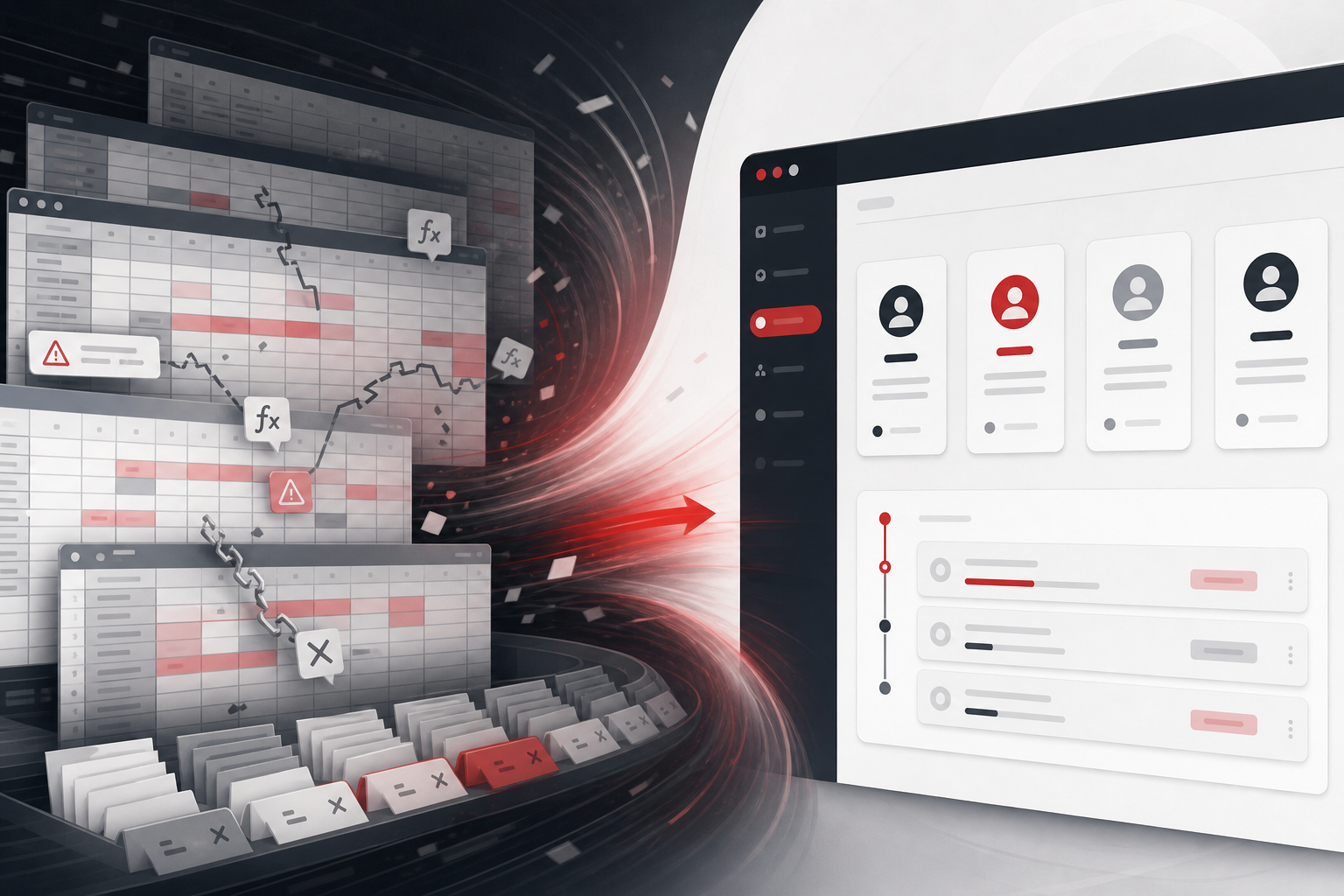
Spreadsheets are not the enemy. They are where smart businesses prototype, analyze, and communicate. The problem starts when a spreadsheet becomes the place where critical work happens—where orders live, where commissions are calculated, where compliance records sit—with no permissions, no audit trail, and no guardrails when two people edit at once.
Spreadsheets are great until they are infrastructure
There is a difference between a forecast model in Excel and a live operations board that twelve people update all day. The first is a thinking tool. The second is infrastructure pretending to be a thinking tool. Infrastructure needs uptime, access control, validation, and someone who knows what happens when row 4,847 disappears.
Most teams do not choose this path—they drift into it. A quick tracker becomes the tracker. A side tab becomes the billing source. A color code becomes policy. By the time leadership notices, training new hires means “watch how Maria uses the sheet” for two weeks.
Threshold 1: More than three people edit the same file daily
Concurrent editing is where spreadsheets break in ways that are hard to see. Sort orders change. Filters hide rows someone still thinks exist. Formulas reference ranges that moved. Google Sheets is better than desktop Excel for collaboration, but neither was built for role-based workflows with enforced states.
- Daily formula incidents—someone overwrote a column that was “do not touch”
- Version confusion—“final_v3_REAL” is not a document management strategy
- Performance drag—10,000 rows and complex lookups slow everyone down
- Mobile pain—field staff cannot safely update status on a phone
Threshold 2: The sheet connects to money or compliance
If numbers in a spreadsheet directly drive invoices, payroll, tax reporting, or regulatory filings, errors are not annoyances—they are liability. Spreadsheets do not give you immutable audit logs by default. They do not tell you who changed a commission rate last Tuesday. They do not block a shipment when required documentation is missing.
Examples we see repeatedly
- Commission calculators—one wrong lookup pays or underpays ten reps
- Inventory “truth”—warehouse and sales each maintain a sheet; counts disagree weekly
- Client deliverable trackers—missed dates because status lived in a comment
- HIPAA or PCI adjacent data—sensitive fields in a shared doc with link sharing on
Threshold 3: Downstream tools need manual exports
When your CRM, billing system, or warehouse software cannot get reliable events from the sheet, humans become the integration. Export CSV, clean columns, import, fix errors, repeat. That loop might take thirty minutes a day—ten hours a month—from someone whose job is not data plumbing.
At $40 per hour loaded cost, ten hours a month is $400—$4,800 a year—for one ritual. Multiply by every handoff wrapped around spreadsheets and the “free” sheet is one of your most expensive tools.
Threshold 4: Workflow rules live outside the grid
Read the comments column. Check the side tab labeled “README DO NOT DELETE.” Ask the ops lead what yellow means versus orange. If policy is not encoded in the tool, it lives in people—and people scale poorly. Software encodes rules: cannot move to “shipped” without a tracking number; cannot approve discount above 15% without manager sign-off.
When automation is enough (and you can keep the sheet)
Not every spreadsheet needs to die. Sometimes the sheet is still the right interface and the pain is sync, validation, and alerts. Scheduled imports, duplicate detection, Slack alerts when a row sits too long, and pushing approved rows to QuickBooks can fix 80% of the pain without rebuilding the UI.
Start here when the data model is stable, permissions are acceptable, and concurrent edit risk is low. A $3,000–$8,000 automation milestone can save hundreds of hours before you commit to a full app.
When to replace the spreadsheet with software
Replace the sheet when the grid is the bottleneck—not just the exports around it. You need different views per role. You need history. You need mobile-first field updates. You need integrations that cannot fail silently. You need customers or vendors to interact with data without seeing your entire operation.
Our replace Excel with software work targets that transition: same workflow logic, safer execution, one place for truth. Milestone one is usually one team and the happy path plus the top three exceptions—not a multi-year ERP project.
A practical migration path
- Freeze the schema—agree on columns, statuses, and who owns changes
- Pick one workflow—onboarding, fulfillment queue, or billing exceptions
- Ship internal software for that slice—parallel run for two weeks if risk is high
- Cut over with a rollback plan—keep read-only archive of the old sheet
- Measure—hours saved, error rate, time-to-status for leadership
Big-bang migrations fail because they try to replace every tab at once. Phased cutover lets skeptics see the new tool work on real orders before they trust it with commissions.
What leadership should ask before greenlighting a move
“What breaks if this sheet is wrong for one day?” If the answer is refunds, missed SLAs, or wrong payroll, you are past the threshold for spreadsheet-as-infrastructure. “Who can edit what today?” If everyone can edit everything, you have a permissions problem spreadsheets will not solve politely.
Pair spreadsheet retirement with custom software for small business scope that is narrow enough to ship in a quarter. The goal is not perfection—it is a system of record that survives a busy Monday when two people are out sick.
Spreadsheet risk vs. software risk
Owners sometimes fear custom software because it sounds expensive and technical. The hidden risk is staying on spreadsheets for infrastructure: unlogged edits, no rollback, no alerting when a formula breaks. Software projects fail too—but failure modes are different. You get monitoring, backups, and named owners. Spreadsheet failure is often silent until a customer complains.
Run a one-week experiment: log every time someone says “the sheet is wrong” or “who changed this?” If you hear it daily, you are not debating aesthetics—you are debating operational insurance.
The bottom line
Stop using spreadsheets for critical operations when they cost you concurrent-edit chaos, manual export loops, or compliance exposure—not when a consultant says spreadsheets are “bad.” Keep them for analysis, planning, and ad hoc questions. Move operational truth to software when errors are expensive, growth is blocked, and your best employee is tired of being the human API between tabs.
Keep a read-only archive
When you cut over, do not delete the old sheet on day one. Freeze it read-only for ninety days so disputes and year-end reviews can reference historical rows. Teams trust migration more when rollback is possible—even if nobody ever uses it. Trust is part of the ROI calculation.
Training: the step teams skip
New software fails when training is a single email with a link. Plan a 45-minute live walkthrough with real records, plus a one-page “how we do X now” doc. Spreadsheets trained people through years of side-by-side shadowing—your replacement needs deliberate onboarding, not hope.
Celebrate the first week without a “sheet is wrong” Slack message. Small wins build adoption faster than mandating usage from the top. Ops change sticks when the people doing the work feel relief—not surveillance.
Leadership should review one exception queue weekly for the first month—not to micromanage, but to confirm the new system surfaces problems earlier than the old sheet hid them. That review is how you catch mapping bugs before they become client-facing incidents.